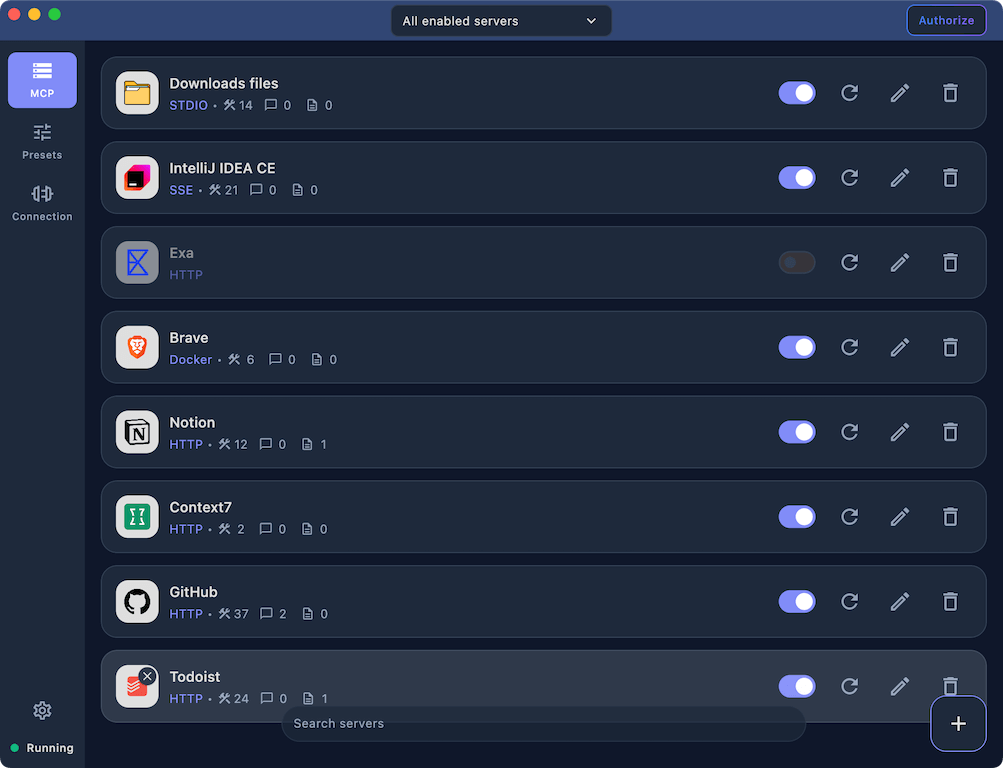
Set up your MCP servers once, use it with any client
Centralize every MCP server without duplicating per-client settings. Connect local or remote servers over STDIO, HTTP, SSE, or WebSocket, and add custom icons to keep large lists readable.
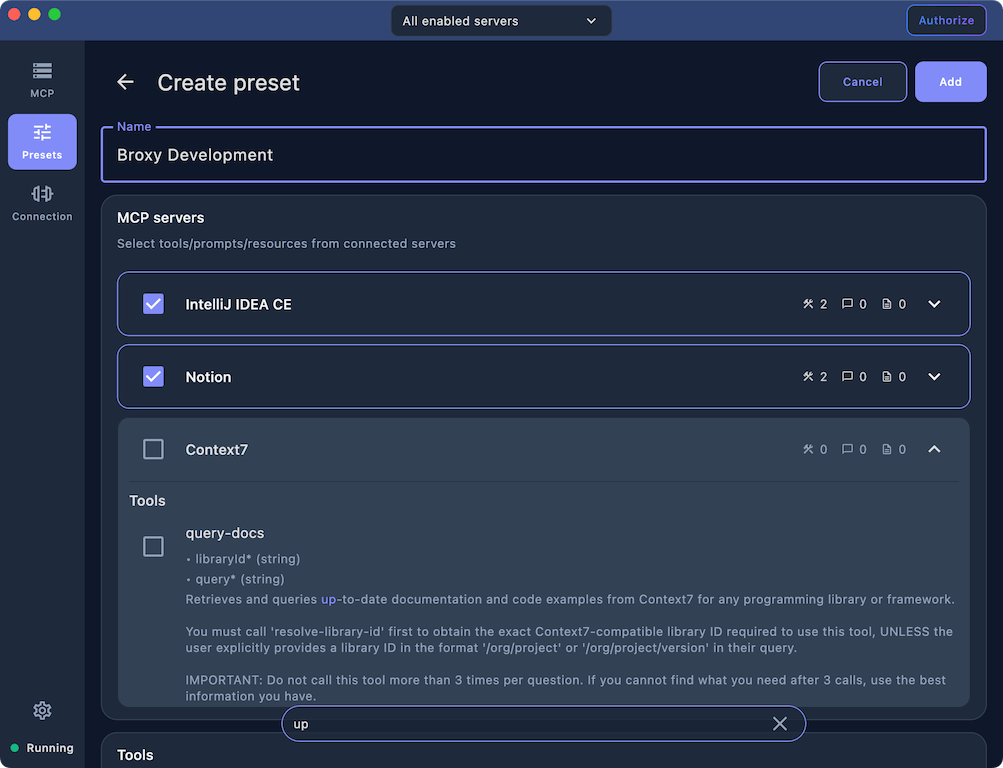
Mix capabilities from servers into one preset
Build purpose-built presets by mixing tools, prompts, and resources from any connected server. Each preset exposes only what an agent needs, improving focus and reducing context noise.
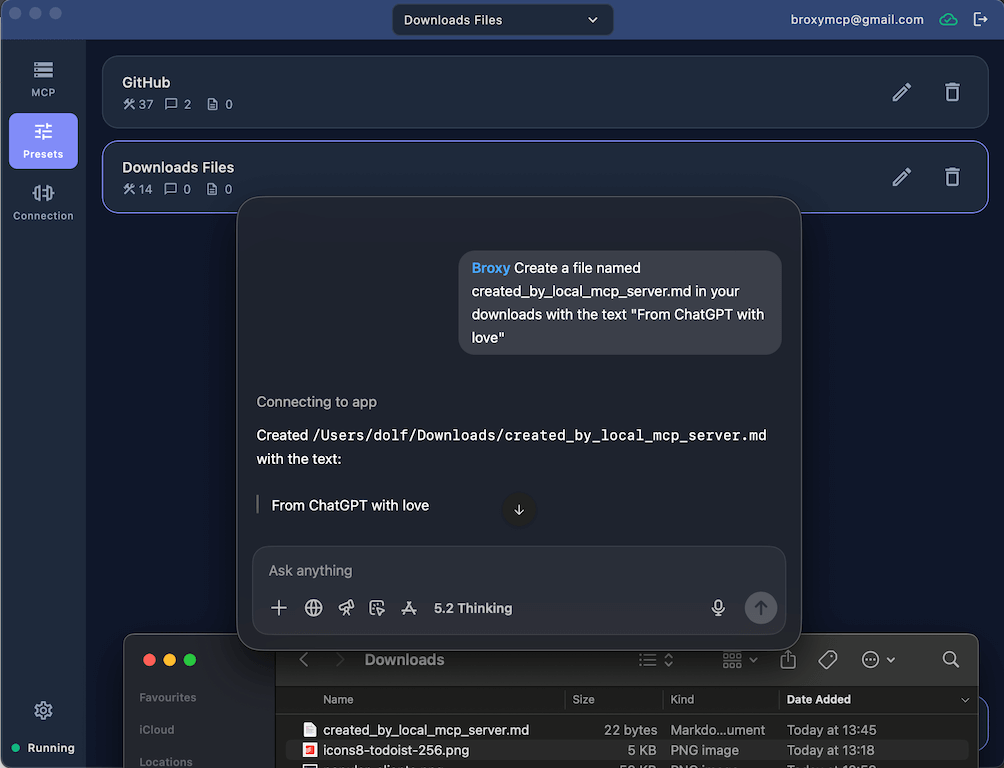
Connect ChatGPT to local MCP servers
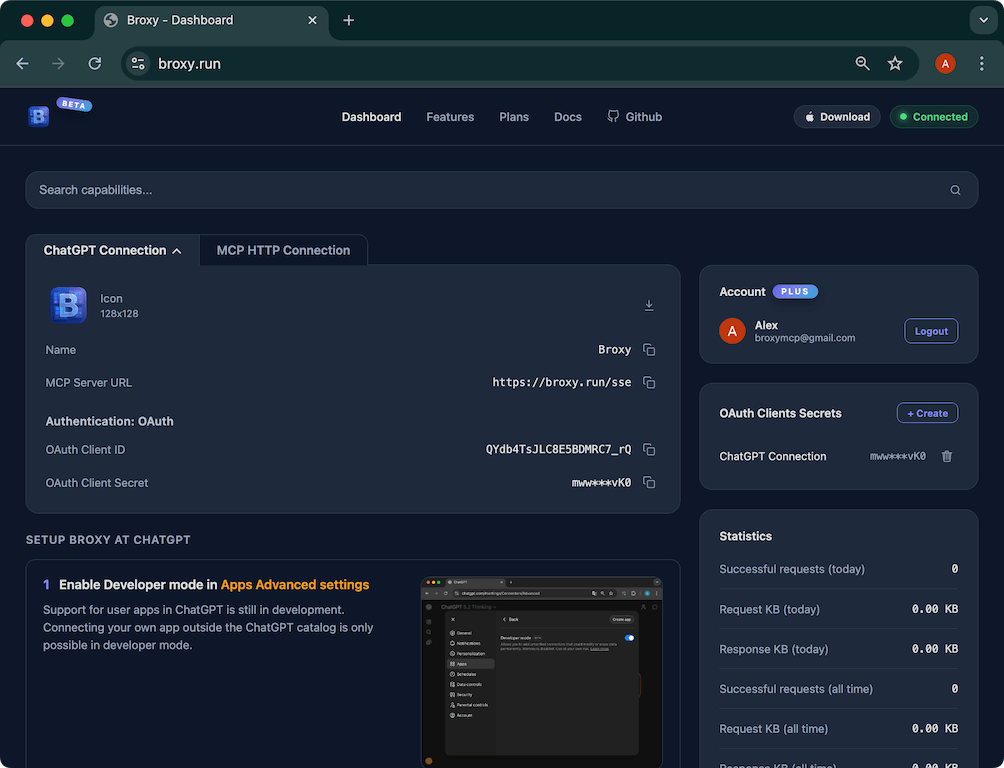
Use your local MCP servers inside ChatGPT on web, desktop, or mobile. Broxy Cloud bridges the connection securely so your private tools are available anywhere you sign in.
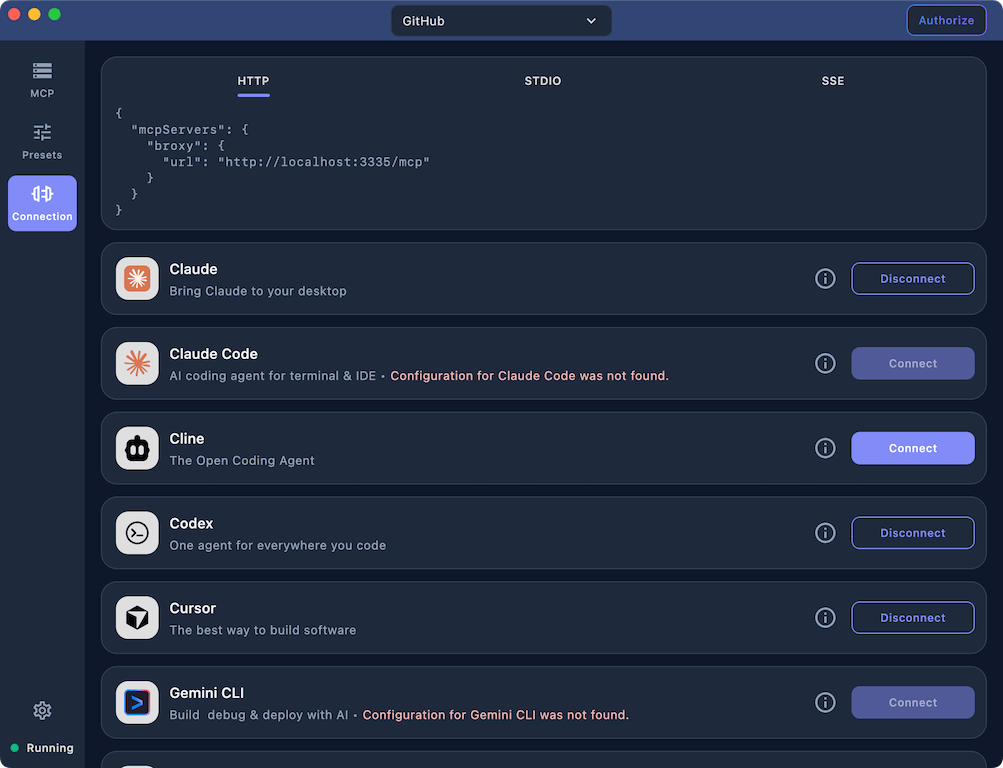
Connect to popular clients in one click
Auto-configure popular AI clients with a single click across HTTP, SSE, and STDIO modes. Broxy updates only the MCP section so the rest of your client configuration stays untouched.
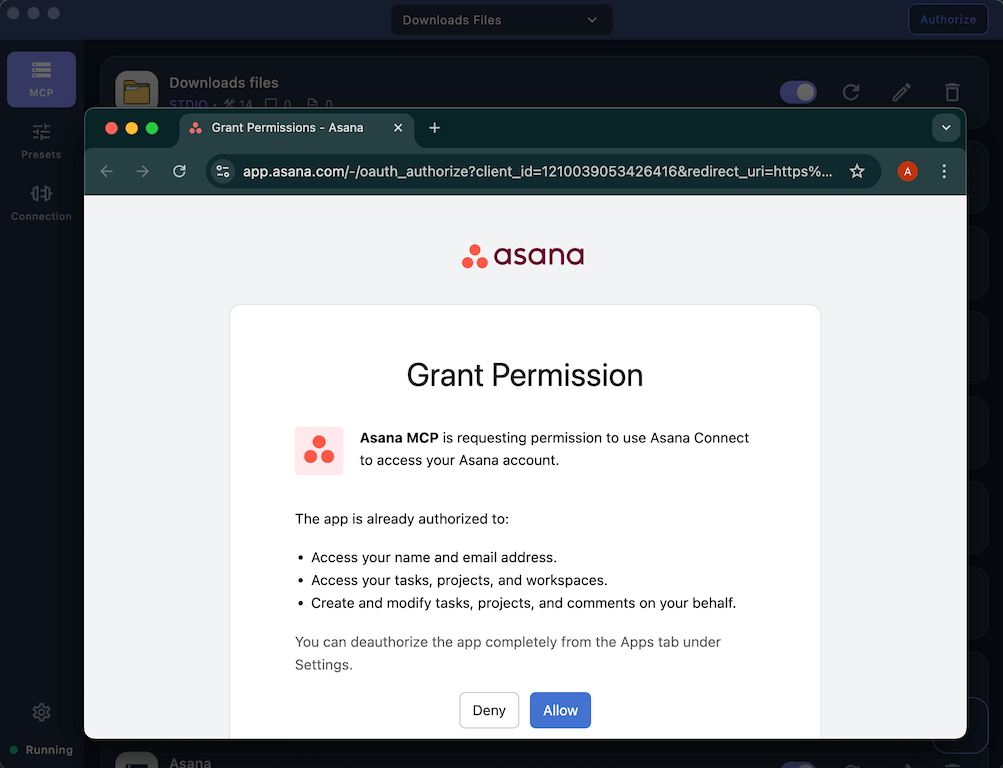
Dynamic client registration with OAuth
Authorize servers that require personal data without manual client setup. Broxy discovers OAuth metadata, registers clients dynamically, and works even when the target client lacks OAuth support.
Remote connect over HTTP
Sign in once and reach your MCP servers over HTTP from any device. Control your local machine through the browser or a phone with secure, token-based access.
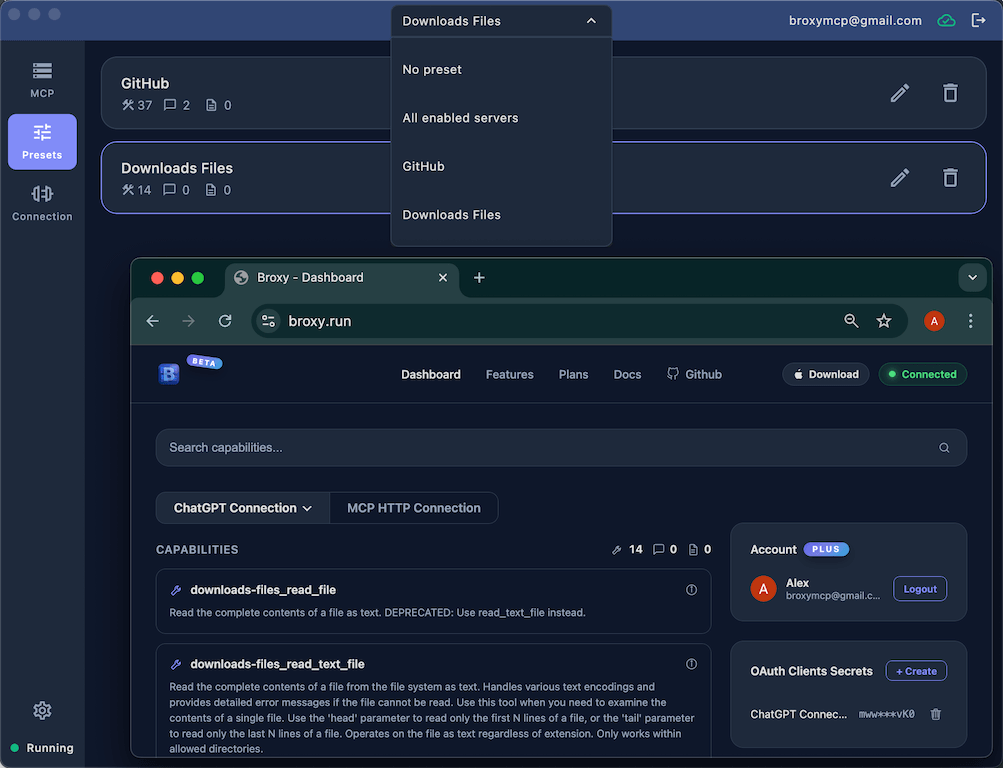
ChatGPT connection support
A guided, step-by-step flow connects ChatGPT safely and correctly. Copy the right URLs and secrets with confidence and avoid guesswork.
Stable MCP surface for preset changes
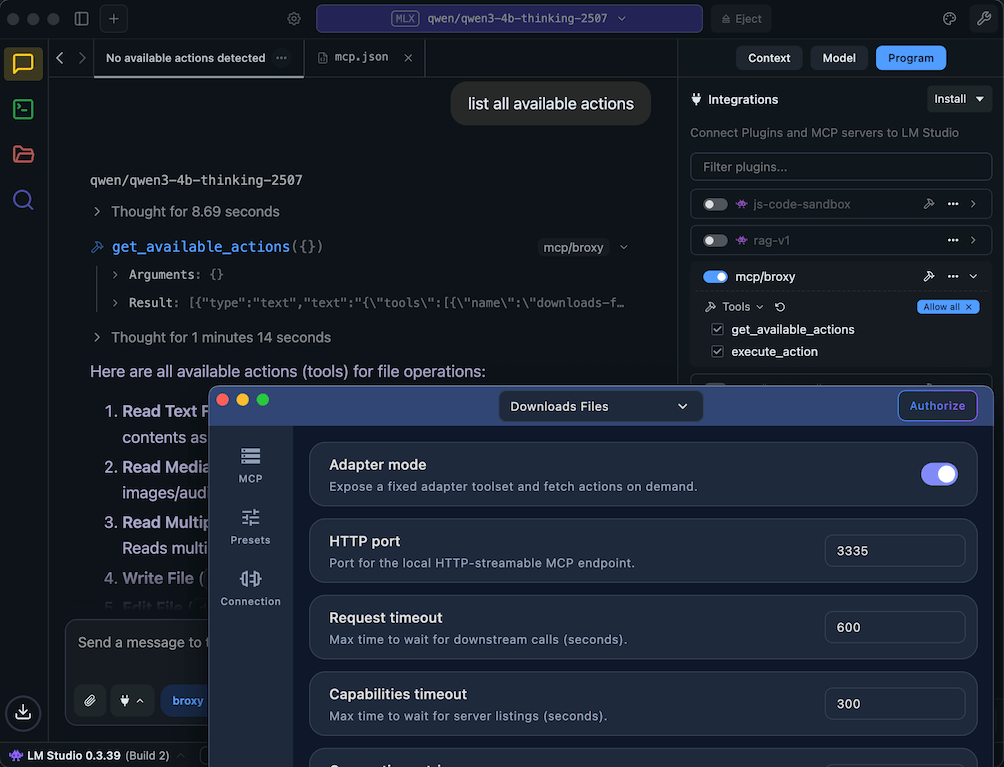
Expose a stable MCP surface so clients do not need to refresh capabilities when presets change. Adapter mode also surfaces prompts and resources for clients that only support tools, including ChatGPT.